How to Choose the #1 Gaming Mouse for Your Grip
What is the #1 gaming mouse?
There isn’t a single #1 gaming mouse for everyone, because the “best” choice depends on hand size, grip style, game type, and whether latency, weight, or comfort matters most. For competitive play, the top pick is usually the mouse that combines a proven sensor, rock-solid wireless (or low-latency wired), comfortable ergonomics for long sessions, and dependable switches—without forcing you into a shape that cramps your hand.
For many players, a high-performing wireless ergonomic mouse with a modern sensor is the safest bet: it works across fast flick shooters and slower, precision-heavy titles, and it’s easier to stick with one setup when it’s comfortable. Features like adjustable DPI, a stable polling rate, well-placed side buttons, and consistent feet/glide often matter more day-to-day than any single headline spec.
How to pick “#1” for your setup
Start with shape and grip. If you palm grip, prioritize a supportive hump and fuller shell. Claw grip tends to benefit from a more pronounced rear hump and responsive clicks. Fingertip grip usually pairs well with lighter, lower-profile mice.
Match performance to your games. FPS players typically want crisp click response, low lift-off distance, and stable tracking at lower sensitivities. MOBA/MMO players often value extra buttons and comfort over ultra-light weight.
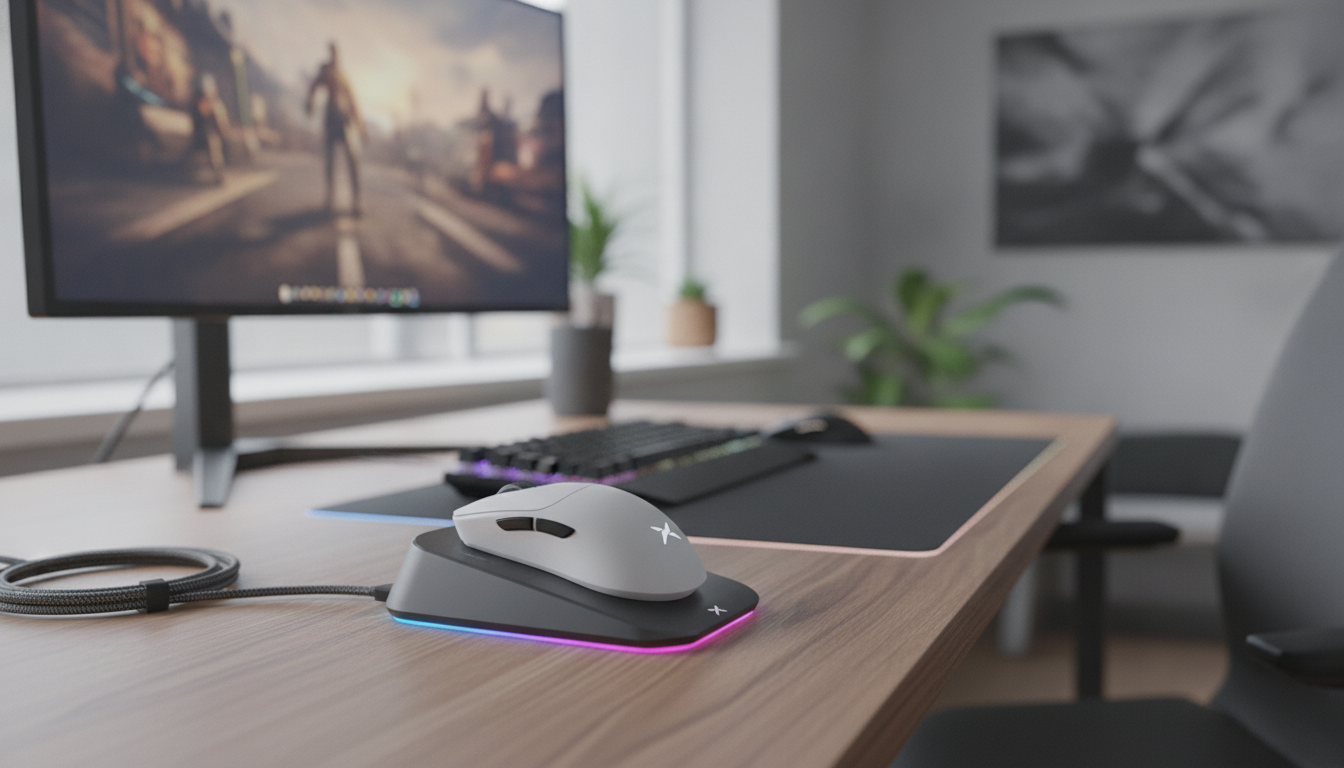
Don’t ignore the wireless experience. Modern 2.4GHz wireless can feel indistinguishable from wired when implemented well. Convenient charging (like a dock) helps keep performance consistent instead of scrambling for a cable mid-session.
A strong current option to compare against
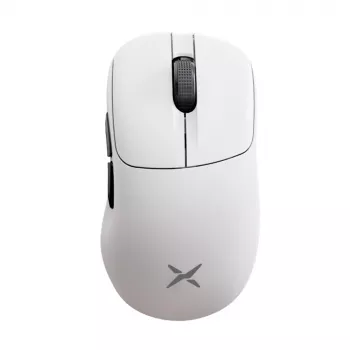
If you want a straightforward benchmark for what a “top-tier” modern gaming mouse looks like—wireless, ergonomic, high-DPI flexibility, customizable lighting, and easy charging—use this guide as a reference point: 8K Wireless Ergonomic Gaming Mouse guide. It lays out the practical setup details that often separate a great experience from a frustrating one.
FAQ
What should I look for in a gaming mouse besides DPI?
Focus on sensor consistency, click feel, shape/comfort, weight balance, and a stable polling rate. Real-world control and fatigue reduction matter more than maximum DPI numbers.















Leave a comment