Outfit Photos for Better AI Style Feedback: Quick Setup
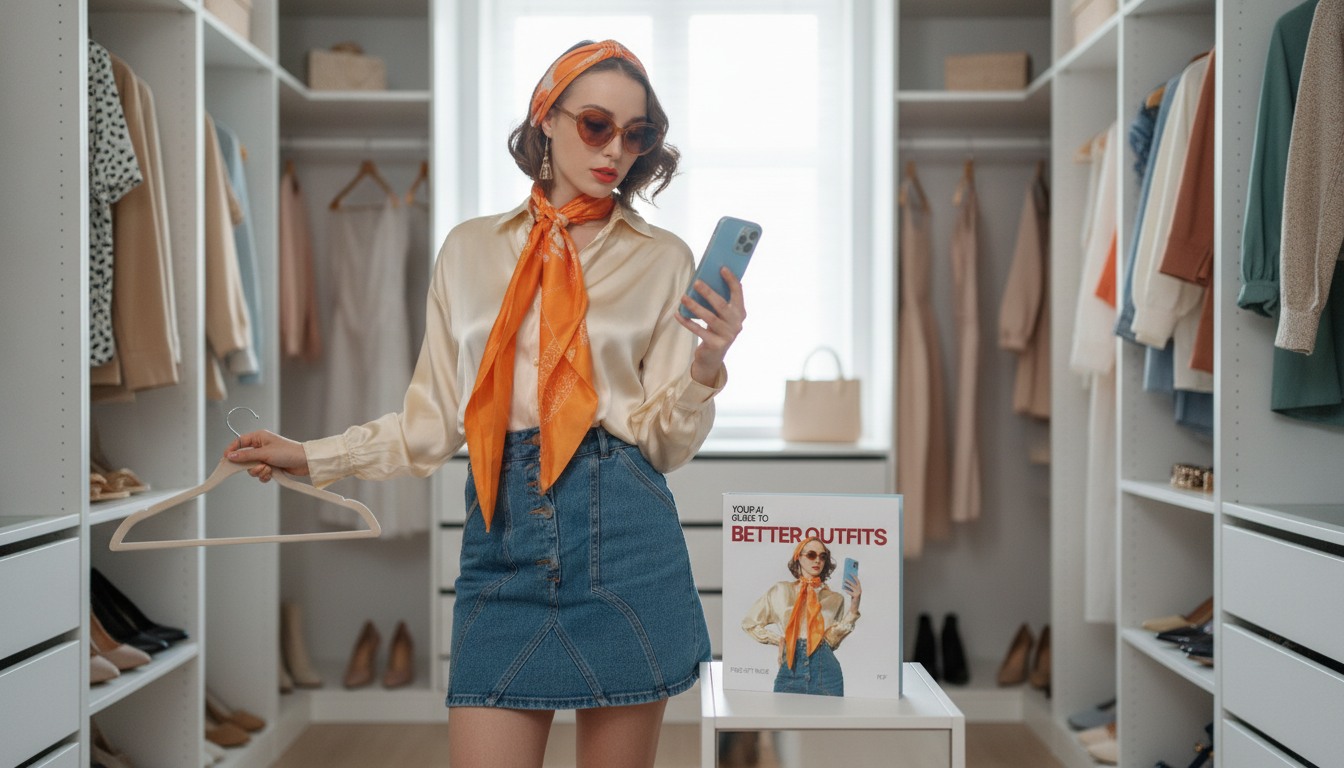
How do I take outfit photos that help AI give better styling feedback?
AI styling tools can spot proportion, fit, and color harmony best when your photos are consistent and easy to “read.” A few simple photo habits will make feedback more accurate—and more useful for choosing outfits, planning purchases, and refining your closet.
Set up simple, repeatable lighting
Use bright, even light that shows true color. Stand facing a window or use overhead room lighting plus a lamp to reduce shadows. Avoid harsh backlighting (a bright window behind you) and strong color casts from neon signs, colored bulbs, or tinted mirrors.
Use a clean background and correct camera height
Pick a plain wall or uncluttered corner so the outfit is the main subject. Place your phone on a tripod, shelf, or stable surface with the lens around waist-to-chest height to reduce distortion. If the camera is too low, legs look longer and tops look shorter; too high can flatten proportions.
Capture full-body and detail shots
Take at least two photos: (1) full-body, head-to-toe, standing straight with arms slightly away from your sides; (2) a closer shot from shoulders to shoes to show fabric texture and fit. Add one side view if you want feedback on drape, waist placement, or jacket length.
Keep styling variables clear
Wear the exact shoes and outer layer you plan to use, since they change the outfit’s “read.” Remove distracting items (large tote bags, random hair ties, clutter) unless you want feedback on them. If you’re testing a specific item, keep everything else simple so the AI can isolate what’s working (or not).
Share context in one line
Along with the photo, note the occasion and your goal: “office-casual, want to look sharper,” or “weekend, want more color.” That helps AI judge appropriateness, not just aesthetics.
For a practical workflow that pairs outfit photos with AI feedback and closet edits, see the full guide: https://spiritine.com/guide-use-ai-for-personal-style-closet-workflow-7-day-reset/.
FAQ
What should I wear (or avoid) for accurate color feedback?
Avoid heavy filters and extreme lighting, and skip bold makeup or tinted glasses if you’re evaluating color harmony near your face. Neutral lighting and true-to-life camera settings make color recommendations more reliable.











Leave a comment