IPL Device Not Flashing? 6 Fixes to Try First
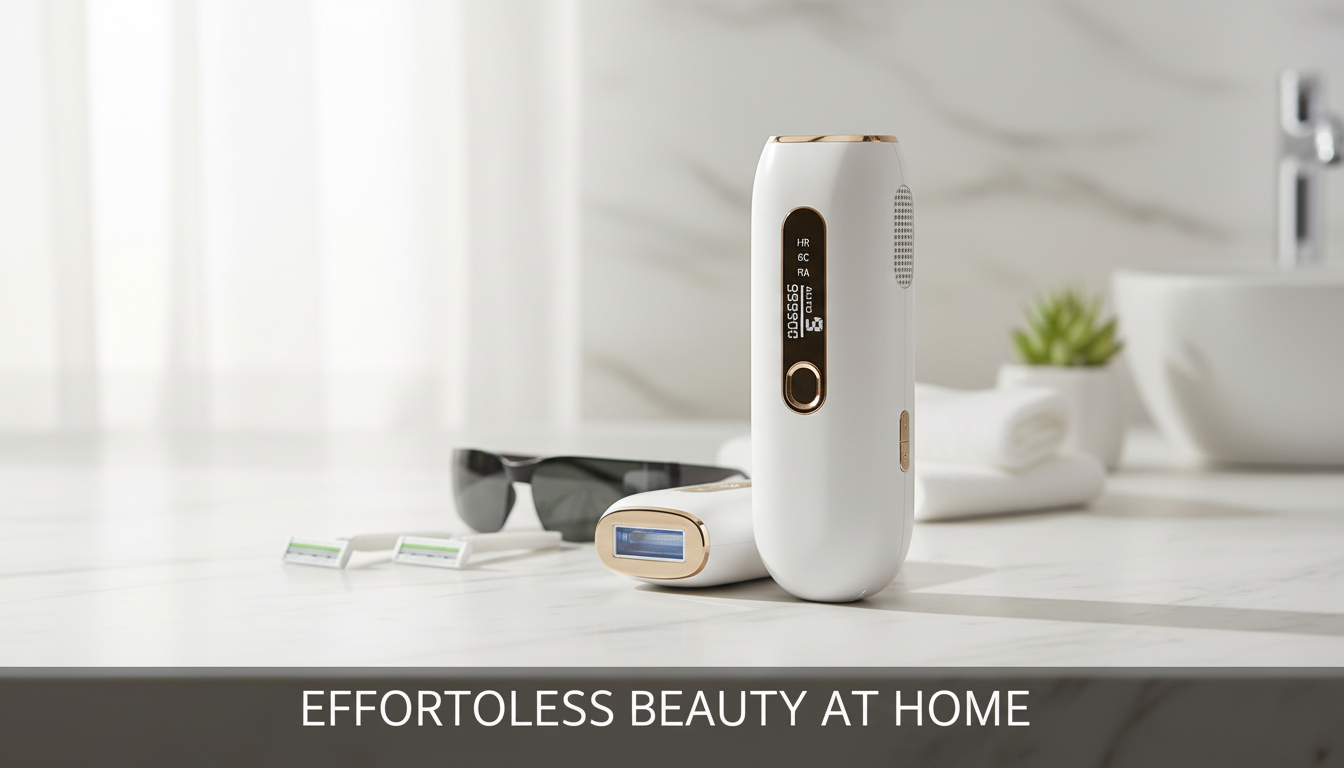
Why isn’t my IPL hair removal device flashing?
If your IPL hair removal device won’t flash, it’s usually because a safety condition isn’t met or the unit is protecting itself. Most home IPL devices only fire when the treatment window is fully pressed against skin, the skin-tone sensor approves the area, and the unit isn’t overheated or locked out by a low flash count.
Quick checks that fix most “no flash” problems
1) Confirm full skin contact
Press the treatment window flat against your skin with steady, even pressure. If the window is tilted or there’s a gap, the contact sensor may prevent the flash. Try a flatter area (forearm or calf) to test.
2) Check power, mode, and intensity
Make sure the adapter is firmly seated and the device is actually powered on (some models require a long press). If you’re in “glide” mode, the device may only flash when it detects continuous contact; switch to “stamp” mode if available. If intensity is set too high for the detected skin tone, lower the level and try again.
3) Clean the flash window and sensors
Dust, lotion, oil, or residue can interfere with skin detection and light output. Power off, let it cool, then gently wipe the treatment window with a soft, dry cloth. Avoid using harsh cleaners unless your manual allows it.
4) Let it cool down
After repeated flashes, many IPL units pause to prevent overheating. Turn it off, unplug it, and wait 10–20 minutes before trying again. Using a lower intensity can also reduce heat buildup.
5) Verify you still have flashes remaining
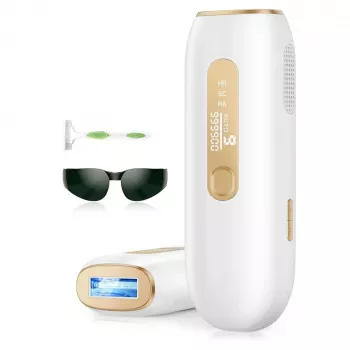
Some devices stop firing once the rated flash count is reached, even if the device still powers on. If your model has an LCD or indicator, check whether it’s showing a low/empty flash count or an error state. For deeper troubleshooting (including 999,900-flash and LCD tips), see this guide to at-home IPL hair removal device flashes and LCD indicators.
6) Rule out a true fault
If it still won’t flash after contact, cleaning, cooling, and lowering intensity, the lamp or internal safety switch may be failing. Stop using the device and contact the manufacturer for service or replacement guidance.
FAQ
How do I know if my IPL device is in contact mode or glide mode?
Many devices show a mode icon or require a dedicated button to toggle modes. If it only fires when moving continuously on skin, it’s likely in glide mode; if it fires with a single press and lift, it’s in stamp/contact mode.












Leave a comment