Behavior Charts for Kids: Simple Plans for Home & School
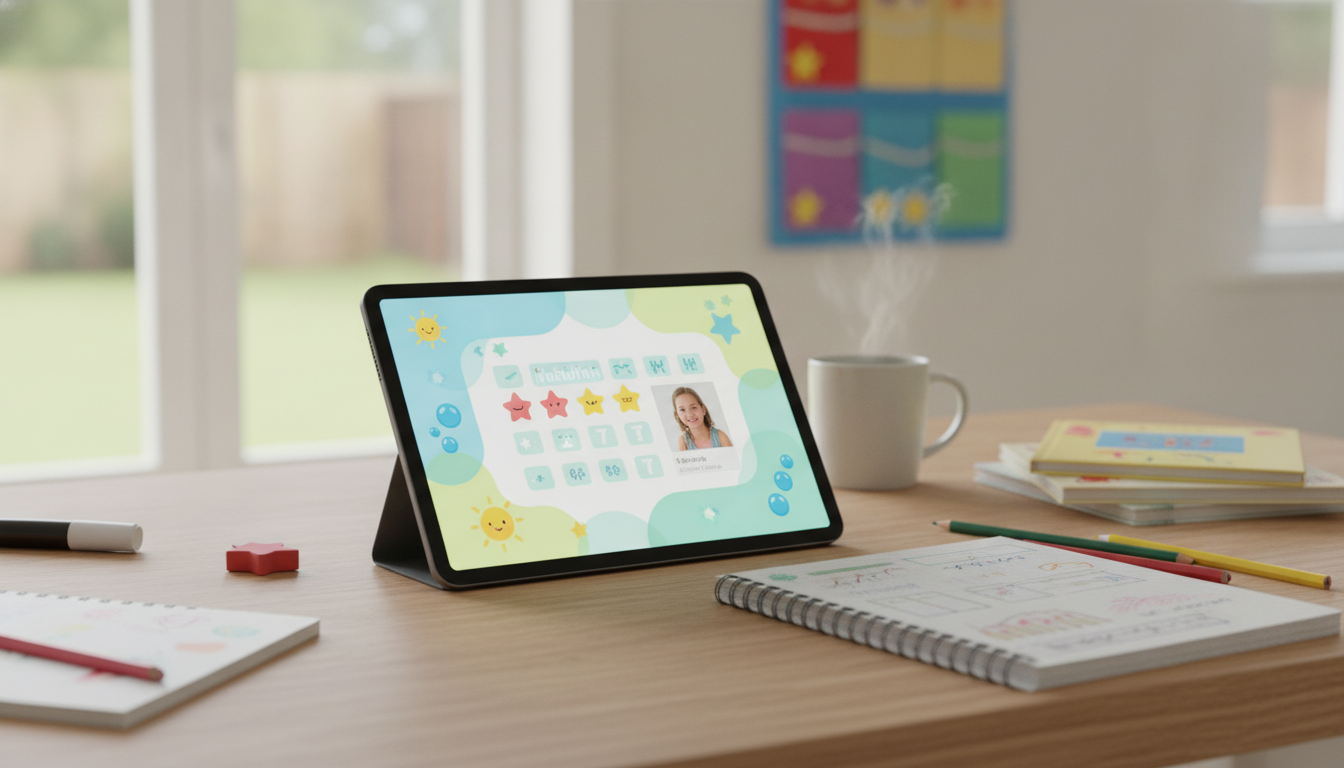
Child Behavior Charts That Build Better Days: A Practical Guide for Home and School
Behavior charts work best when they turn expectations into clear, doable steps—and when adults use them to notice progress more than punish mistakes. With the right setup, a chart can reduce daily friction at home, support classroom routines, and give kids a steady path to practice skills they’re still learning. Below is a practical, flexible approach that keeps the focus on growth, not perfection, plus simple coordination tips for parents and teachers and optional AI tools to keep tracking consistent.
What a behavior chart actually does (and what it shouldn’t do)
A behavior chart is a shared plan for practice. It helps everyone (child, caregiver, teacher) agree on what “success” looks like right now, in a way a child can understand and repeat.
- Creates shared clarity: the child, caregiver, and teacher know what the goal is today.
- Builds skills through repetition: routines become habits when practiced in the same context.
- Shifts attention to effort and improvement: it’s easier to repeat what gets noticed.
- Avoids common pitfalls: vague goals (“be good”), too many rules at once, long tracking periods with no feedback, or rewards that feel like bribes.
When charts go wrong, they often become a “gotcha” scoreboard. A chart should never be a public shaming tool, a running list of failures, or a replacement for calm, consistent discipline when safety or serious disruption is involved. For broader positive behavior principles, resources like PBIS offer helpful frameworks used in many schools.
Choosing the right chart style for your child and setting
The best chart is the one adults will use consistently and the child can understand quickly. Start small: choose 1–3 target behaviors for 1–2 weeks, then adjust.
Chart types and when to use them
| Chart type | Best for | Typical timeframe | Example target behavior |
|---|---|---|---|
| Sticker/points | Early elementary, quick wins | Same day | Starts task within 2 minutes |
| Routine checklist | Transitions and habits | Daily | Brushes teeth before pajamas |
| Token system | Older kids, layered goals | Multi-day | Completes homework and checks planner |
| Home–school note | Consistency across adults | Daily/weekly | Uses respectful words during conflicts |
- Sticker/point charts: best for ages 3–8 and short, concrete goals.
- Daily routine checklists: best for mornings, homework, bedtime, and transitions.
- Token systems: best for older kids who can delay gratification and track points across days.
- Home–school charts: best when behaviors show up in both environments and adults need alignment.
If you want a structured, ready-to-print option that includes routines, reflection prompts, and practical examples for home and classroom use, see How Child Behavior Charts Can Transform Learning and Home Life | Parent & Teacher Guide to Child Behavior Charts Benefits, Positive Routines & AI Tools.
Setting goals that children can succeed with
Goals should be clear enough that two adults would score them the same way. Aim for “doable” and observable—especially at the start.
- Make goals observable: describe actions that can be seen or counted (not attitudes).
- Use positive wording: “Use an indoor voice” instead of “Don’t yell.”
- Match the child’s starting point: progress matters more than perfection.
- Define the measurement: number of prompts, time-to-start, completed steps, or frequency per period.
- Plan a reset: if a day goes off track, restart at the next routine block (morning/after school/evening) rather than scrapping the whole day.
If a goal is missing the mark, it’s usually either too big (“Stay focused all day”) or too fuzzy (“Be respectful”). Shrink it to something a child can practice right away, like “Keep hands to self during line-up” or “Use a calm voice during disagreement for 2 minutes.”
Positive routines: making the chart part of daily life
Charts work when they’re part of the environment—easy to find, quick to use, and paired with supportive adult coaching.
A simple “launch pad” at the door can make morning routines smoother (shoes, folder, water bottle, and the chart). If you’re building a school-ready routine, a designated bag can help reduce lost items and last-minute stress—consider Waterproof Anti-Theft Laptop Backpack with USB Charging Port – Fits 15.6″ Laptop as a durable option for older students who carry devices and homework back and forth.
Rewards that motivate without backfiring
For discipline guidance that stays developmentally appropriate, the American Academy of Pediatrics emphasizes consistent limits and positive guidance—an approach that pairs well with charts focused on practice.
Parent–teacher coordination that actually works
If you’re not sure what’s realistic for a child’s age, the CDC’s Positive Parenting Tips can help adults set expectations that match developmental stages.
Using AI tools to simplify tracking and stay consistent
Troubleshooting: when a chart stops helping
A ready-to-use guide and templates
For an all-in-one set of examples, editable layouts, and routines you can plug into home and classroom schedules, use How Child Behavior Charts Can Transform Learning and Home Life | Parent & Teacher Guide to Child Behavior Charts Benefits, Positive Routines & AI Tools.
FAQ
What age do behavior charts work best for?
Behavior charts can work from preschool through middle school when goals match the child’s developmental level. Younger kids usually need visuals and same-day feedback, while older kids often do better with self-ratings and longer timeframes.
How many behaviors should a child track at once?
Start with 1–3 behaviors. Add a new target only after the child is consistently successful (around 80% for a week), since too many goals at once often reduces follow-through.
How long should a behavior chart be used before changing it?
Review after 1–2 weeks. If success is consistent, fade rewards or raise expectations slightly; if there’s little improvement, simplify the goal, shorten the tracking window, or add more adult support.















Leave a comment