Read a Morning Quotes Ebook on Kindle, Apple Books, Android
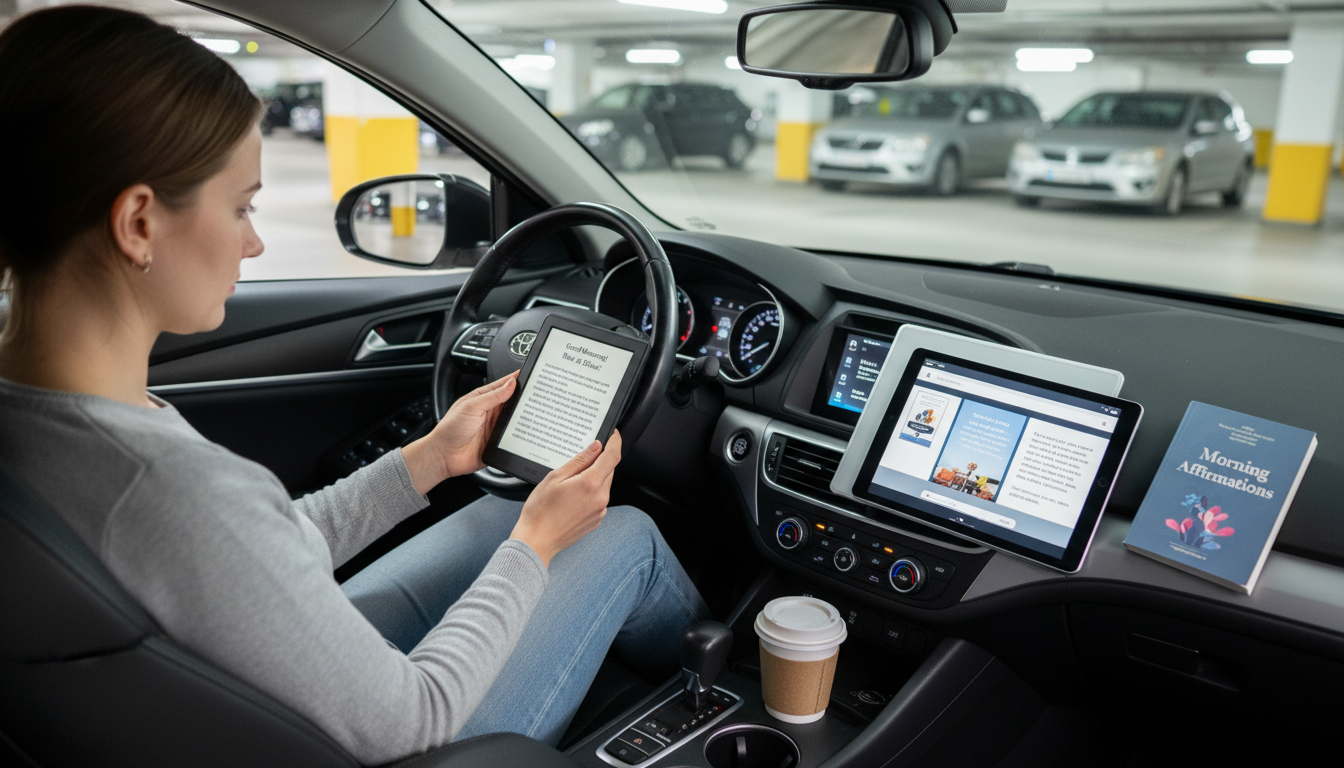
Can I read this morning quotes ebook on Kindle, Apple Books, or Android ebook apps?
Yes—most morning quotes ebooks can be read on Kindle, Apple Books, and popular Android ebook apps as long as you choose a compatible format (or use the app that matches the file type). The simplest approach is to download the ebook to your device, then open it with the reading app that supports that format.
How to read it on Kindle
If the ebook is in a Kindle-friendly format (such as MOBI in some cases, or more commonly EPUB via Kindle’s newer support), you can send it to your Kindle library using Amazon’s “Send to Kindle” options. Once it’s in your Kindle library, it will sync across Kindle devices and the Kindle app. If you’re using a Kindle e-reader, the Send to Kindle method is usually easier than transferring files manually.
How to read it in Apple Books
Apple Books works well with EPUB and PDF. On an iPhone or iPad, you can typically tap the file (from Files, Mail, or a download link) and choose “Open in Books.” On a Mac, you can drag the file into the Books app or open it directly. If your ebook is an EPUB, Apple Books is often the most straightforward option.
How to read it on Android ebook apps
Android supports several strong reading apps, including Google Play Books and other EPUB/PDF readers. In many cases, you can upload the ebook to Google Play Books (so it syncs across devices) or open the file locally using your preferred reader. If the ebook is a PDF, nearly any Android reading app will handle it; for EPUB, choose an app that specifically supports EPUB.
Need ideas for using the ebook in a simple morning routine?
For a practical way to pair short quotes with a quick sunrise habit, visit this morning quotes guide and follow the 5-minute routine.
FAQ
What file format should I choose for the widest compatibility?
EPUB is usually the most universal for phones and tablets, while PDF is great if you want fixed formatting. Kindle users can often use EPUB through Send to Kindle, but always confirm your device/app supports the specific file you have.















Leave a comment