8000Hz Mouse Polling Rate: Overkill or Worth It?
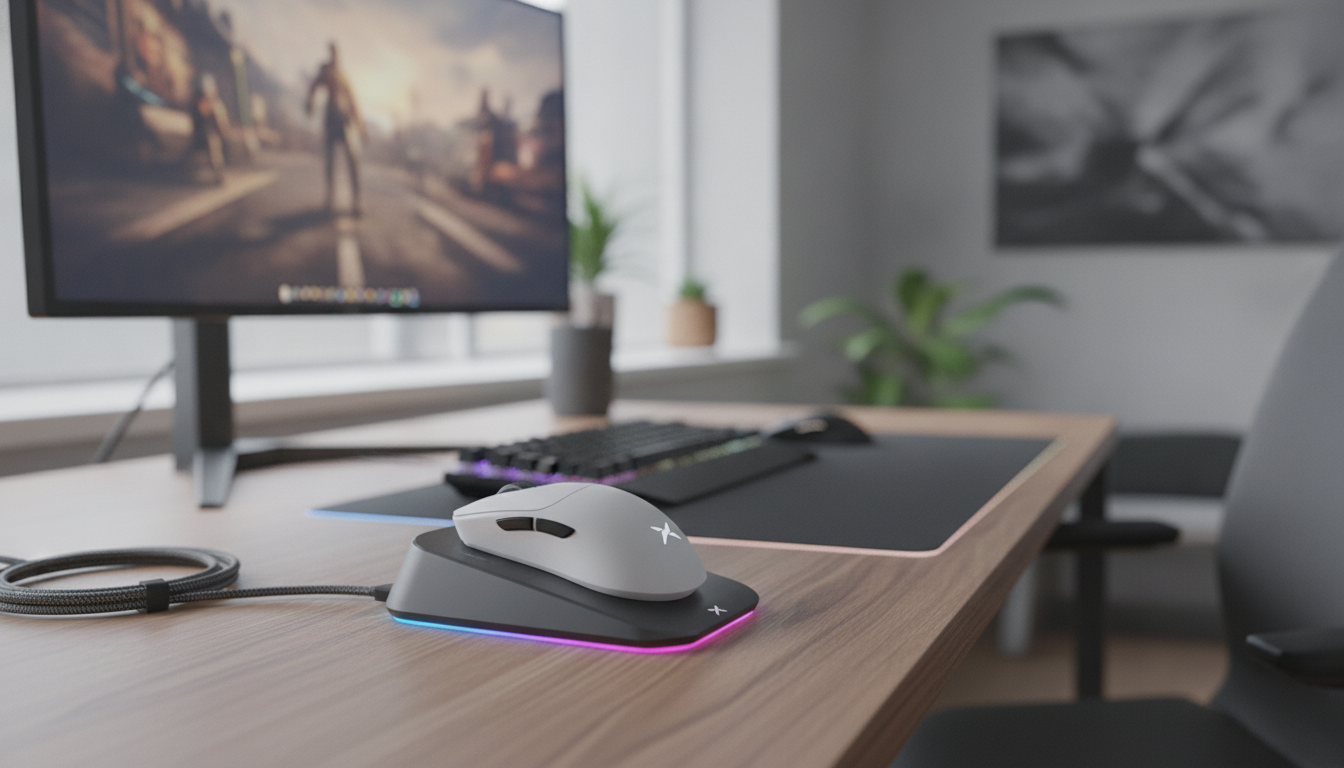
Is 8000 polling rate overkill for a gaming mouse?
An 8000Hz polling rate can be overkill for many gamers, but it isn’t pointless. Polling rate is how often your mouse reports its position to your PC. At 8000Hz, that’s up to 8000 updates per second, which can reduce input latency and make cursor movement feel a bit more “locked in,” especially during fast flicks.
For most setups, the real-world difference between 1000Hz and 8000Hz is subtle. Many players won’t notice a dramatic change unless they’re already sensitive to input feel, playing competitive FPS titles, and using a high refresh-rate monitor (240Hz or higher). In those cases, 8K can help smooth micro-adjustments and slightly tighten responsiveness—more “refinement” than “night and day.”
When 8000Hz is worth it
8K polling makes the most sense if your PC can comfortably handle it, you play esports-style shooters, and you’re chasing the cleanest possible input chain. It’s also more meaningful when paired with a sensor that tracks well at high speeds, a stable wireless implementation (if wireless), and a consistent surface.
When it’s unnecessary (or can backfire)
On midrange or older systems, 8000Hz can increase CPU overhead and occasionally contribute to stutter in certain games or engines. Some players also report diminishing returns compared to 2000Hz or 4000Hz, which often deliver most of the “snappier” feel without pushing hardware as hard.
A practical recommendation
If your mouse supports it, treat polling rate like a tuning knob: try 8000Hz, then step down to 4000Hz or 2000Hz if you notice instability, higher CPU usage, or no meaningful feel improvement. For a deeper breakdown of 8K mice, setup tips, and what to pair them with, see this guide: 8K wireless ergonomic gaming mouse setup and guide.
FAQ
Does DPI matter more than polling rate?
DPI affects cursor sensitivity and how far the pointer moves for a given hand movement, while polling rate affects how frequently that movement is reported. Both matter, but DPI and in-game sensitivity usually change the feel more noticeably than moving from 1000Hz to 8000Hz.














Leave a comment